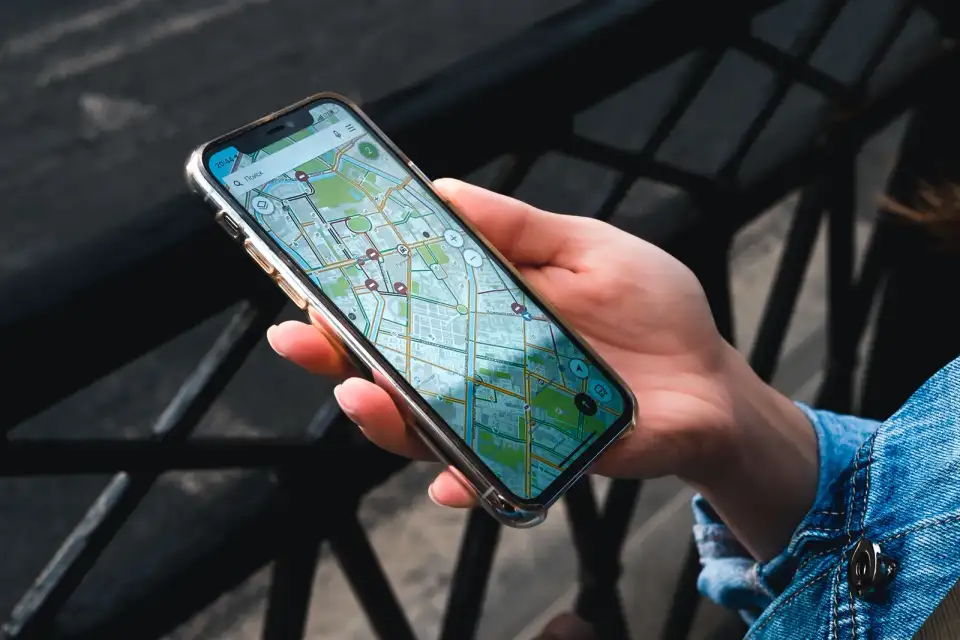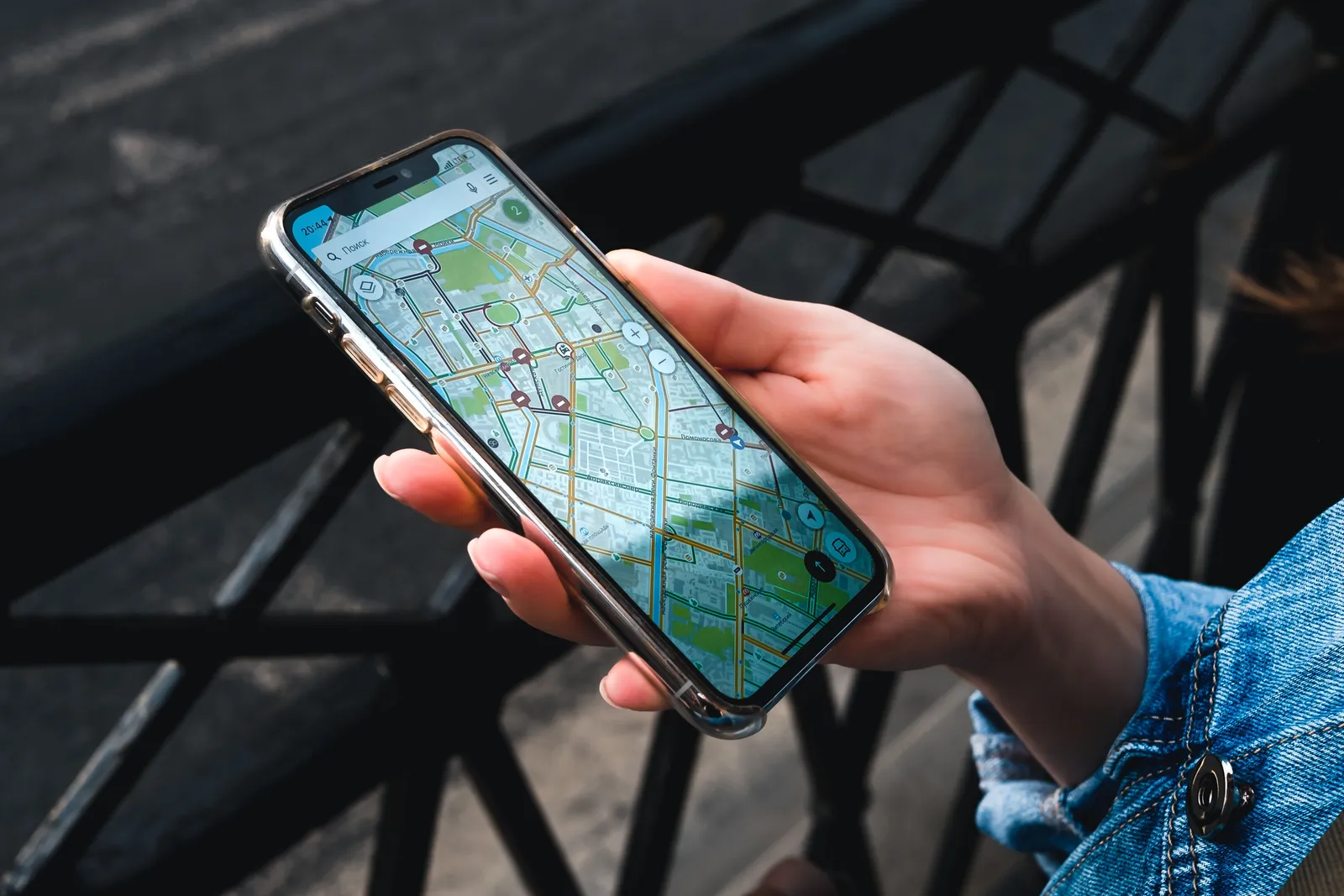
Google Maps does not give usable walking or driving directions in Korea, so you need Naver Map or KakaoMap instead. Install one of them before you fly, because the problem is missing map data rather than a fault with your phone, and nothing you change on your side fixes it.
Most first-time visitors discover this the hard way. They step out of a subway exit, open the app they have used everywhere else in the world, and watch it either fail to route them at all or send them confidently down a street that does not lead where the blue line says it does. It is not a data connection problem and it is not user error. The app simply does not have the map.
In short: If Google Maps in Korea says no route found, it is not your phone or your data connection: long standing rules on exporting detailed South Korean map data kept the road and footpath layer that walking and driving directions need out of international apps. Place search and public transport routing largely work, but walking and driving routes are missing or unreliable across most of the country. The fix is Naver Map or KakaoMap, both with an English interface and full walking, driving and transit coverage. The government moved to ease the restrictions in 2026, but working turn by turn navigation had not followed when this was written, so install one of the Korean apps before you fly.
This is a structural limitation, not a glitch
Where the gap comes from
The cause is long standing South Korean rules on exporting detailed geographic data outside the country, put in place decades ago for security reasons and never fully lifted for civilian mapping. International services can license some of what they need, which is why place search and public transport routing largely work, but the fine grained road and footpath network that walking and driving directions depend on has stayed out of reach. Every visitor hits the same wall in the same way, and no software update on your phone alone changes it.
What the 2026 easing does and does not change
The government moved to ease those restrictions in 2026, but working turn by turn walking and driving navigation had not followed by the time this was written. Treat this as a limitation to plan around rather than one that has already been fixed. If you read news that the rules have changed, the useful test is practical: whether an international app actually produces a walking route for your own hotel to the nearest station, not whether the headline sounds final. Until that works reliably, the Korean apps are the safe choice.
What actually works in an international map app
What still works
Searching for a named place generally works, and a pin will usually appear close to the right spot.
Public transport directions are broadly reliable, because transit data licensing follows different rules from road data.
Saving pins for later still works fine, which is why some visitors keep an international app open purely as a bookmark list.
Where it breaks down
Getting there on foot or by car is where it breaks down: routes are frequently missing, sent the wrong way down one-way streets, or simply refuse to calculate.
Business details such as opening hours, phone numbers and photographs are often outdated or absent. A cafe that looks open on the screen may have been shut for months, and you will not find out until you are standing at the door.
A sensible way to split the jobs
If you are attached to your usual app, keep it for bookmarking and for working out roughly where things are in relation to each other, and let a Korean app do the actual routing and the checking of hours. The mistake is not using the international app at all, it is trusting its blue line for the last few hundred metres.
Naver Map or KakaoMap: which should you install?
Naver Map and KakaoMap are the two Korean apps that carry the full dataset, both have an English interface, and both cover walking, driving, cycling and transit routing across the entire country with accurate business listings, floor numbers and current opening hours.
| Naver Map | KakaoMap | |
|---|---|---|
| English interface | Yes | Yes |
| Walking and driving routes | Full coverage | Full coverage |
| Business listings and hours | Very strong | Very strong |
| Common visitor preference | Slightly more used by tourists | Slightly stronger for taxi calling |
| Offline packs | Limited, walking only | Limited, walking only |
Who should choose which
The honest answer is that coverage will not decide it for you. If you expect to take a lot of taxis, KakaoMap is the natural pairing with the taxi app described below. If you mostly plan to walk and use the subway, either works, and the better choice is simply the interface you find easier to read when you open both at home. Pick one, learn it properly, and resist the urge to keep switching mid trip.
Why some people install both
Neither app is clearly better across the board, and a good number of frequent visitors and residents end up with both, mostly because a specific address or a specific bus route occasionally shows up cleanly in one and not the other. If you only want to learn one interface, either choice covers a trip. Having the second app is most useful as a quick cross check when a listing looks wrong or a search comes up empty.
Add a taxi app
Kakao T, the ride-hailing app from the same company behind KakaoMap, is worth installing alongside whichever mapping app you settle on, since it hails a metered taxi with the destination already entered, which removes any need to explain where you are going out loud. It is a separate app from KakaoMap itself, but the two work well together, and pairing a map app with a taxi app covers most of what a visitor needs for getting from one point to another.
Let someone else handle the route for a dayA guided day tour reaches temples, coastlines and villages without any app at allSearching when the English name does not turn anything up
The English mode translates the interface, not every listing, and a smaller restaurant, cafe or shop is frequently filed only under its Korean name. This is the most common reason a visitor decides an app is useless when it is simply being asked the wrong question.
What to try, in order
- Paste the Korean text directly. It is usually printed somewhere on the same website, booking confirmation or social media post that gave you the English name.
- Search by the name of the nearest subway station and exit number, rather than a street address. This finds a surprising number of small businesses that a direct name search misses.
- Check the area on the map by eye. Once you are near the right station, zooming in often shows the building and its floors even when the text search fails.
- Try the second Korean app if you have both installed.
Save the Korean text before you travel
For your accommodation and any booking you have made, copy the Korean name and address into a notes app or take a screenshot while you still have wifi. Having it ready means you can paste it into a search box or show it to a taxi driver without hunting for it on a weak connection.

Making sense of Korean addresses
Three ways to describe the same place
Korea introduced a street name and number address system some years ago, running in parallel with an older land lot numbering system that many people, including plenty of locals, still use out of habit. In practice this means a single location can be described three different ways: the formal street address, an older lot number, or simply the building name and the nearest subway exit. Both Naver Map and KakaoMap accept all three and will usually show the building name and the exit number on the listing itself, which tends to be the fastest way to find the actual door once you are close.
Why a driver or courier asks a follow-up question
This also explains why a taxi driver or a delivery courier sometimes asks a follow-up question after you have given what feels like a complete address. Buildings in a large complex, or restaurants stacked on different floors of the same block, are not always distinguishable from the address alone, and locals routinely fall back on a shop name, a nearby landmark or a floor number to close the gap. Reading the full listing on the map app, rather than only the top line of the address, usually gives you the same extra detail before you need to ask.
Do not forget the floor
Floor numbers deserve the same attention, because a great many of the good places in a Korean city are not at street level. Cafes, bars and small restaurants stack up a building, and both Korean apps list the floor on the business entry alongside the opening hours. International apps frequently do not carry it, which is another way the same address sends you to the right door and the wrong storey. If the pin sits on a building and you cannot see a shopfront, look up before you assume you have the wrong place.
Offline maps are not a full substitute
What an offline pack does cover
Offline options in the Korean apps vary by app and version, so check what yours offers. Where you can save an area, it is genuinely useful on a hiking trail or in a spot with weak signal. Save it on wifi before you go, and check that it actually opens without a connection while you are still somewhere safe.
What it does not cover
What it does not reliably cover is driving routes, live traffic, live transit arrival times or fresh business listings, all of which need a connection to work properly. International offline map apps carry the same missing road data offline that they have online, so downloading one in advance does not solve the underlying problem. Treat mobile data as part of the trip plan rather than something to fall back on only when wifi runs out.
Setting up before you fly
A five minute checklist
- Install Naver Map or KakaoMap at home, on wifi, while you still have a reliable connection and time to explore the settings menu.
- Set the interface language to English. The setting is stored inside the app, so it does not follow your phone language.
- If you use voice guidance, confirm it is also set to a language you follow, since the default in some regions is Korean regardless of the interface setting.
- Search for your accommodation and your first day’s plans so the app has learned the spelling and location before you need it under pressure.
- Copy the Korean names and addresses of your bookings into your notes.
- If your app offers it, save an offline area for a hike or a remote stop, remembering its limits.
Pair the app with the rest of your kit
For the wider picture of subways, buses, taxis and trains once you can find your way to the platform, our guide to getting around South Korea covers the system. For the data plan that keeps any of this working from the moment you land, our guide to SIM cards, eSIMs and mobile data in Korea covers the options. And the app will happily route you onto a bus you cannot board without the right card, so our guide to the T-money card covers the one piece of plastic that makes the directions usable.

Common mistakes to avoid
- Trusting an international app for the last stretch on foot. Use it to bookmark, not to steer.
- Searching only in English. If nothing comes up, switch to the Korean name or the station and exit.
- Ignoring the exit number. Choosing the wrong exit at a big interchange can cost a long detour.
- Skipping the floor. The right address can still be the wrong storey.
- Treating offline packs as a safety net. They help on foot, but they will not replace a data connection in a city.
- Setting everything up at the airport. Do it on home wifi, where mistakes are cheap.
The short version
International map apps lose their walking and driving directions in Korea because of long standing data export rules, not because of anything wrong with your phone. Install Naver Map or KakaoMap before you fly, set the language while you still have reliable wifi, and search by subway exit or Korean text when an English name search comes up empty. Offline packs help on a trail but will not replace a working data connection in a city. Once the app is set up, the address confusion that trips up most first-time visitors mostly disappears.
Which app did you settle on, Naver Map or KakaoMap, and what made you choose it?