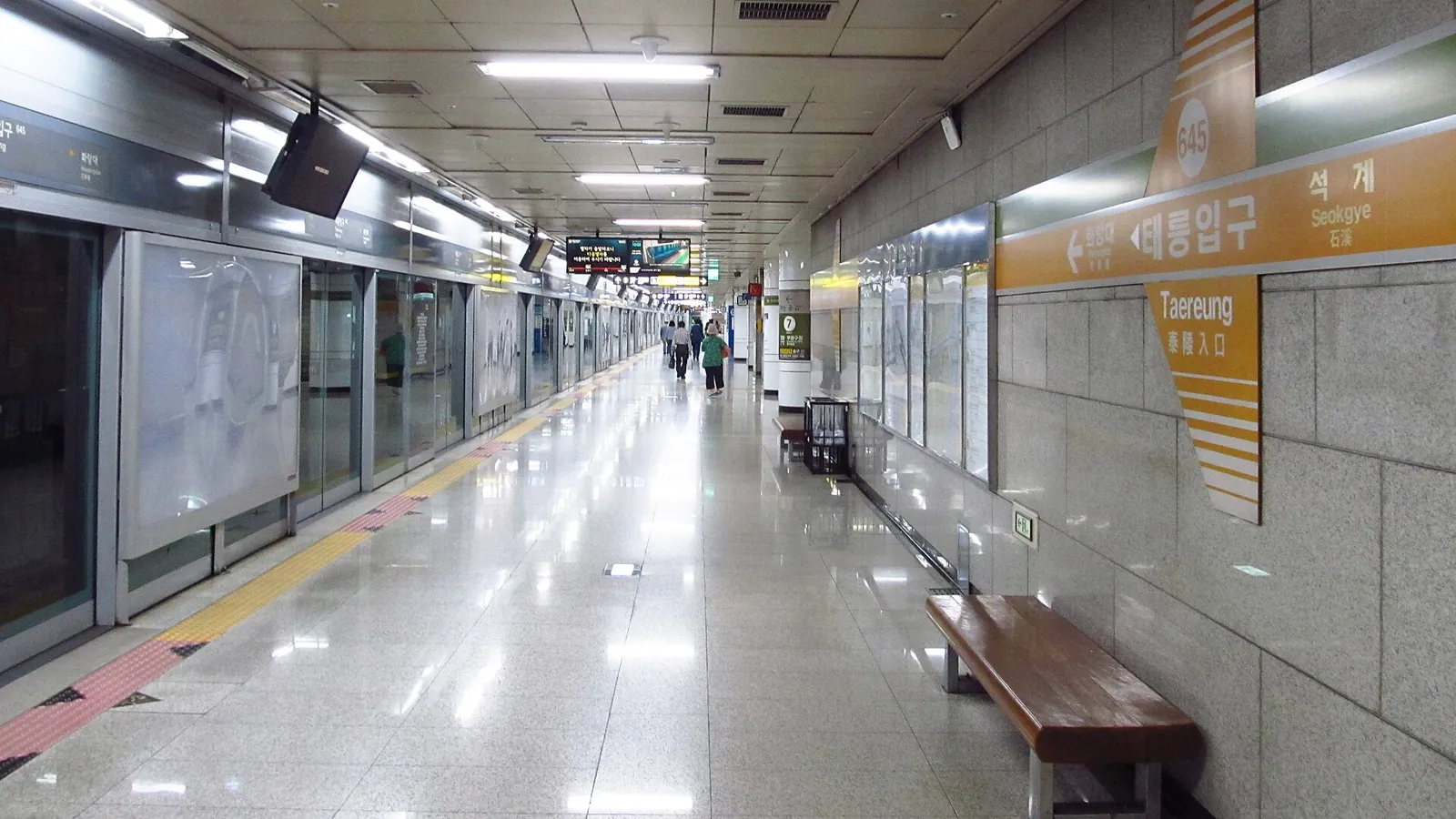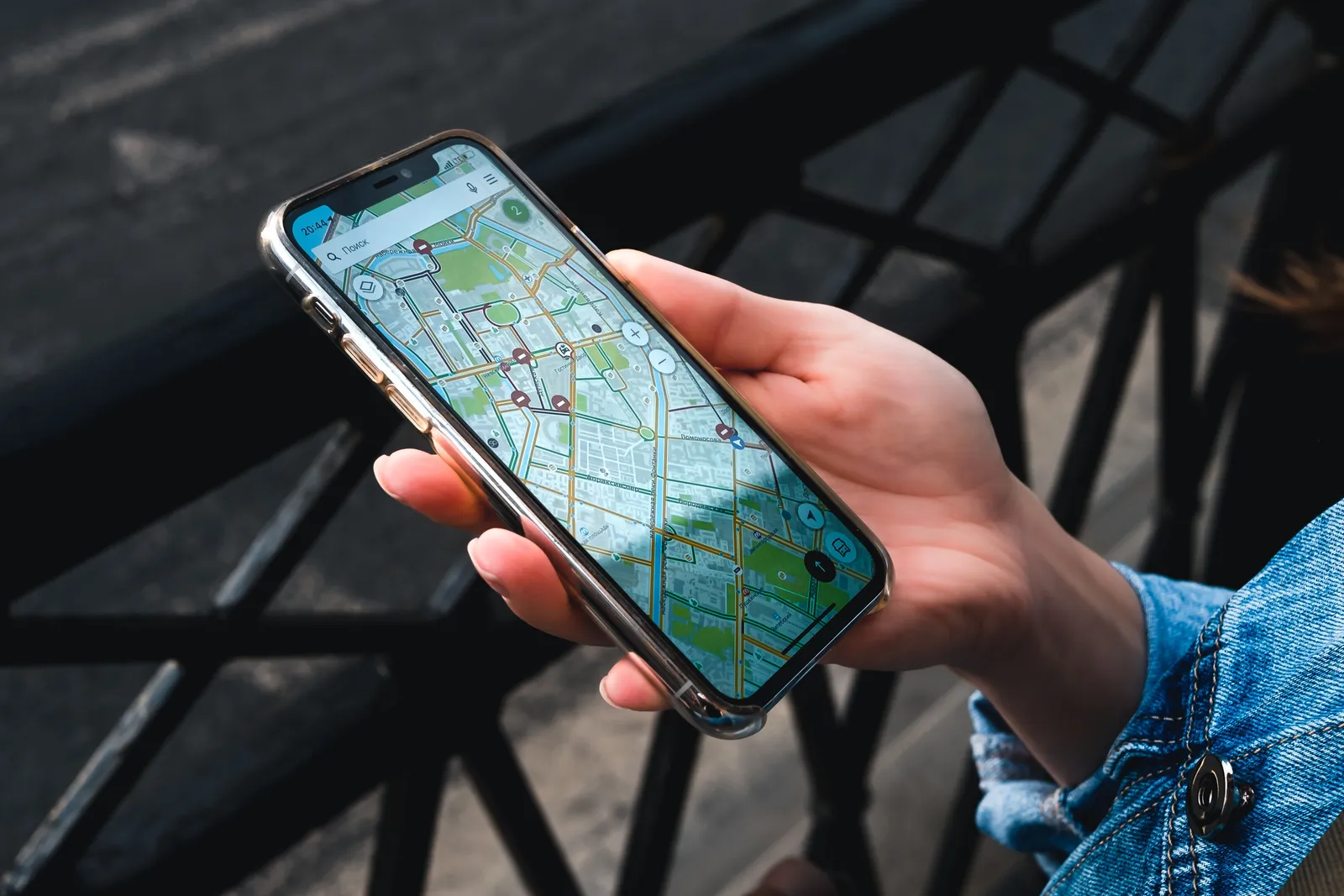
Korea has some of the best mobile internet in the world, working in subway tunnels, on high speed trains and on mountainsides, and it is cheap enough that buying more data than you need is the correct error. The only real question is how you get hold of it, and the answer is almost always settled at home rather than at an arrivals counter. Fifteen minutes of setup before you fly is the difference between walking out of the airport already connected and standing in a queue with your passport while everyone else leaves.
Why this matters more here than elsewhere
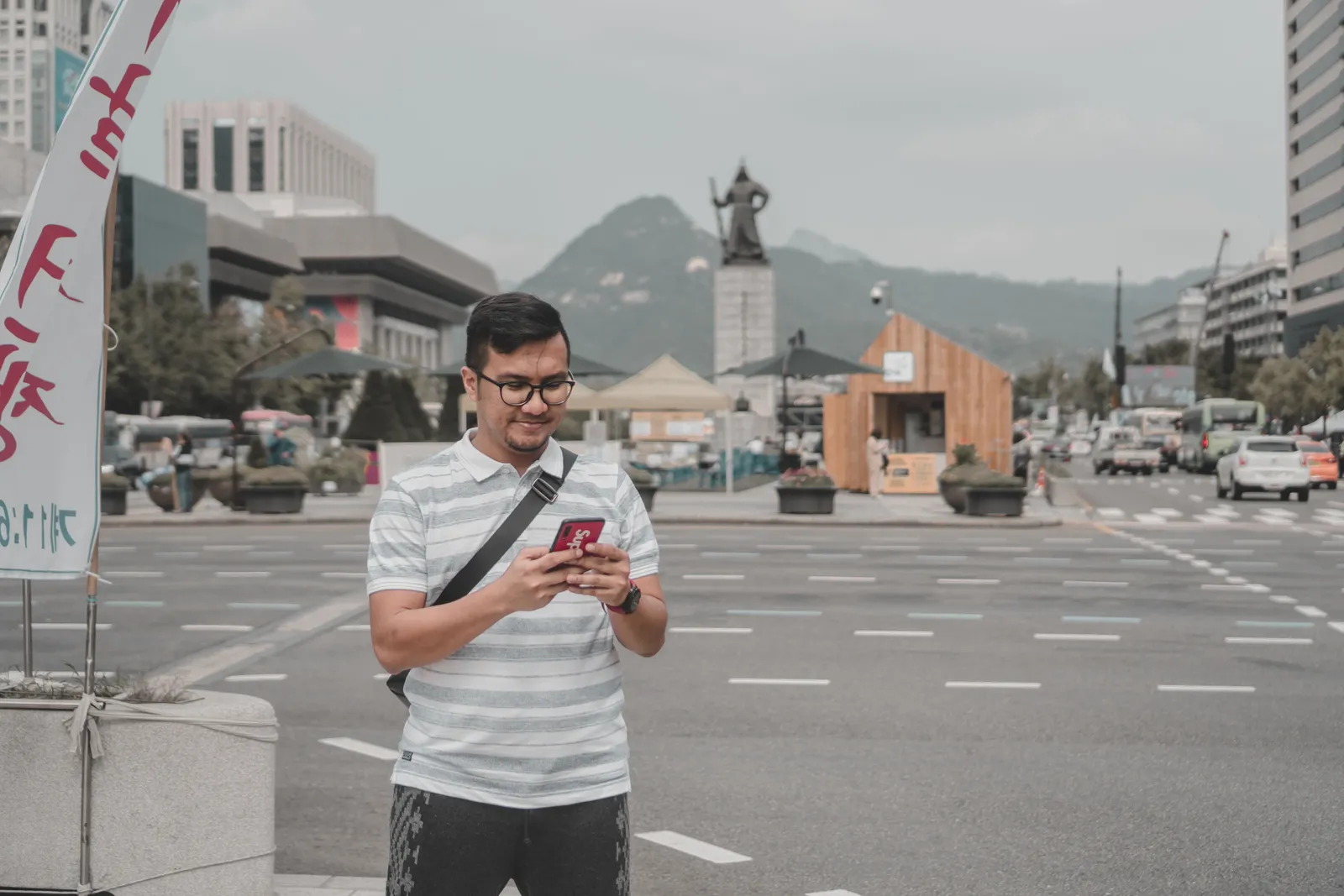
Almost everything a visitor does runs through the phone: routing, bus arrival times, translating a menu, hailing a taxi and reading which of a building’s six floors you actually want.
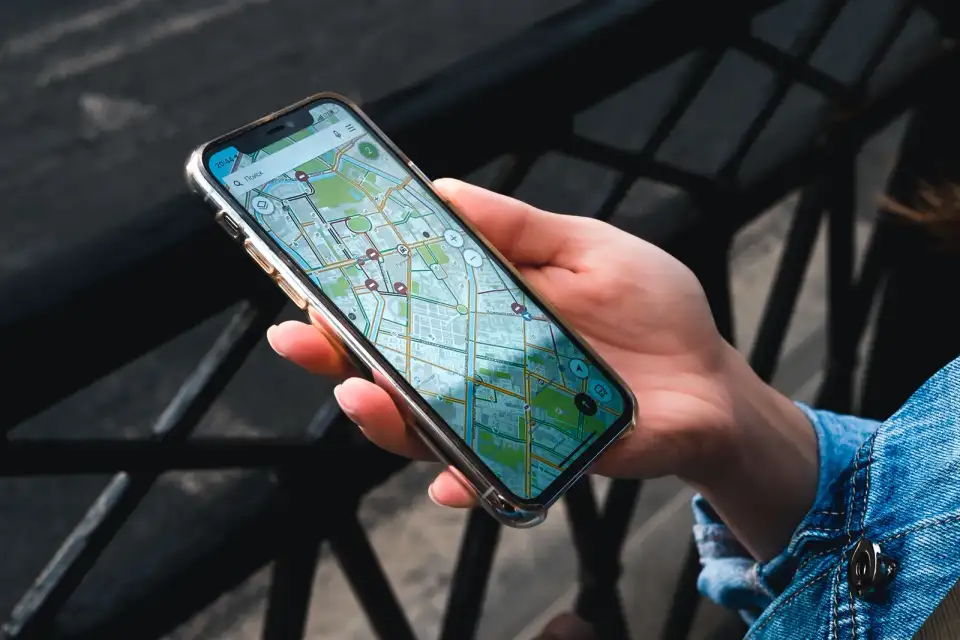
The Korean map apps assume a connection. Their offline packs are limited, so downloading a map in advance is not a substitute for a data plan.
Public wifi is widespread and not enough. It is genuinely everywhere, and it is not there on the pavement between the station and the door you are looking for.
The first hour is the busiest. Choosing between the airport train, a limousine bus and a taxi is exactly the moment you need a working phone, and exactly the moment a queue costs most.
One thing worth knowing before you arrive rather than after: the international map app on your phone does not have full walking and driving data for Korea, so a Korean app does the actual navigating. Our guide to why Google Maps does not work in Korea covers which app to install and how to set it up.
The data options
An eSIM, bought before you fly, active on landing, no counter and no queue. The simplest option for anyone travelling with a phone that supports it.
A prepaid physical SIM from an airport counter, which stays competitive for longer stays and is the standard fallback when eSIM is not an option.
A pocket wifi router, which usually makes the most sense for a family or a group sharing one connection across several devices.
Roaming on your home plan, which is generally expensive unless your tariff includes South Korea specifically.
Airport wifi and public wifi, which are widespread, genuinely useful, and not a plan.

Checking your phone before you buy
Two things decide whether an eSIM is even available to you, and both are quicker to check at home than to discover in arrivals.
Does the handset support eSIM at all? Manufacturers publish this by model, and older phones frequently do not.
Is the phone carrier locked? A handset locked to a home network can refuse a second profile even when the hardware supports one.
If either answer is no, the physical SIM and the pocket wifi router are both perfectly good, and both are sold at the arrivals halls of the main airports. The only thing you lose is the queue you would rather not join.
The other apps worth having
A taxi hailing app, which removes the fare question and the language question in one go.
A translation app with camera translation, for menus, signs and ticket machines.
A Papago style translator, which handles Korean noticeably better than the general purpose alternatives.
The transit function inside your map app, which is better than any standalone one here.
A transport card in the phone where supported, though the physical card is simpler for most visitors.
Not the domestic payment apps, which require a Korean bank account and are not open to short term visitors.
Where this fits in a Korea trip
Fifteen minutes before you fly, and the most common first day frustration in the country never happens to you.
For getting around once you have landed and what everything costs, our guide to Korean transport covers the ground.
And for the first decision you will make with that working phone, our guide to Seoul airport transfers compares the train, the bus and the taxi.

The short version
Arrange data before you fly rather than at a counter. An eSIM is the easiest route if your phone supports one and is not carrier locked, a prepaid physical SIM is the standard fallback, and a pocket wifi router suits a group. Install and test the profile at home, leave it switched off, and turn it on when you land. Add a taxi app, a camera translator and the Korean map app in the same sitting, because data here is fast and cheap and it is the one thing you want working before you leave arrivals.